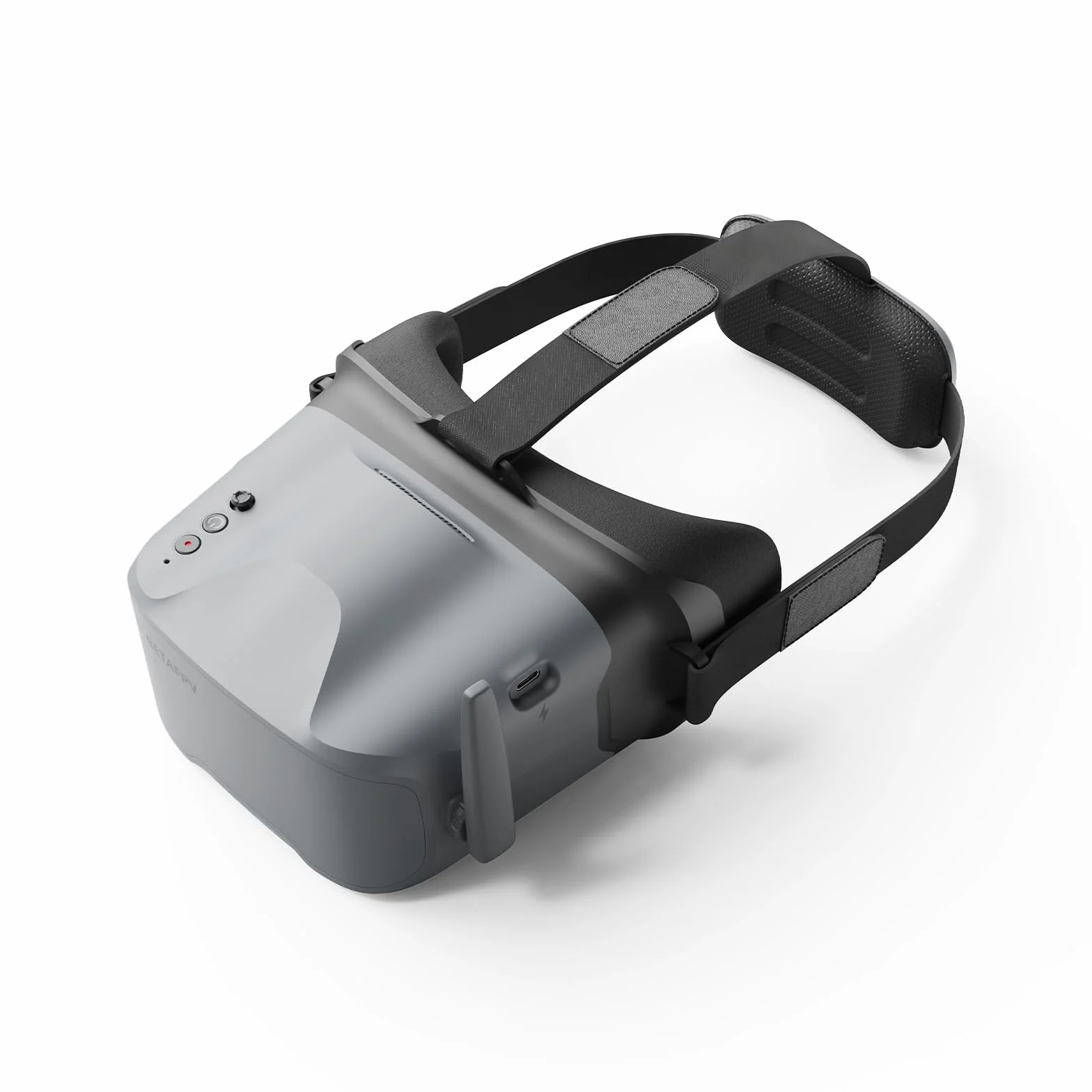
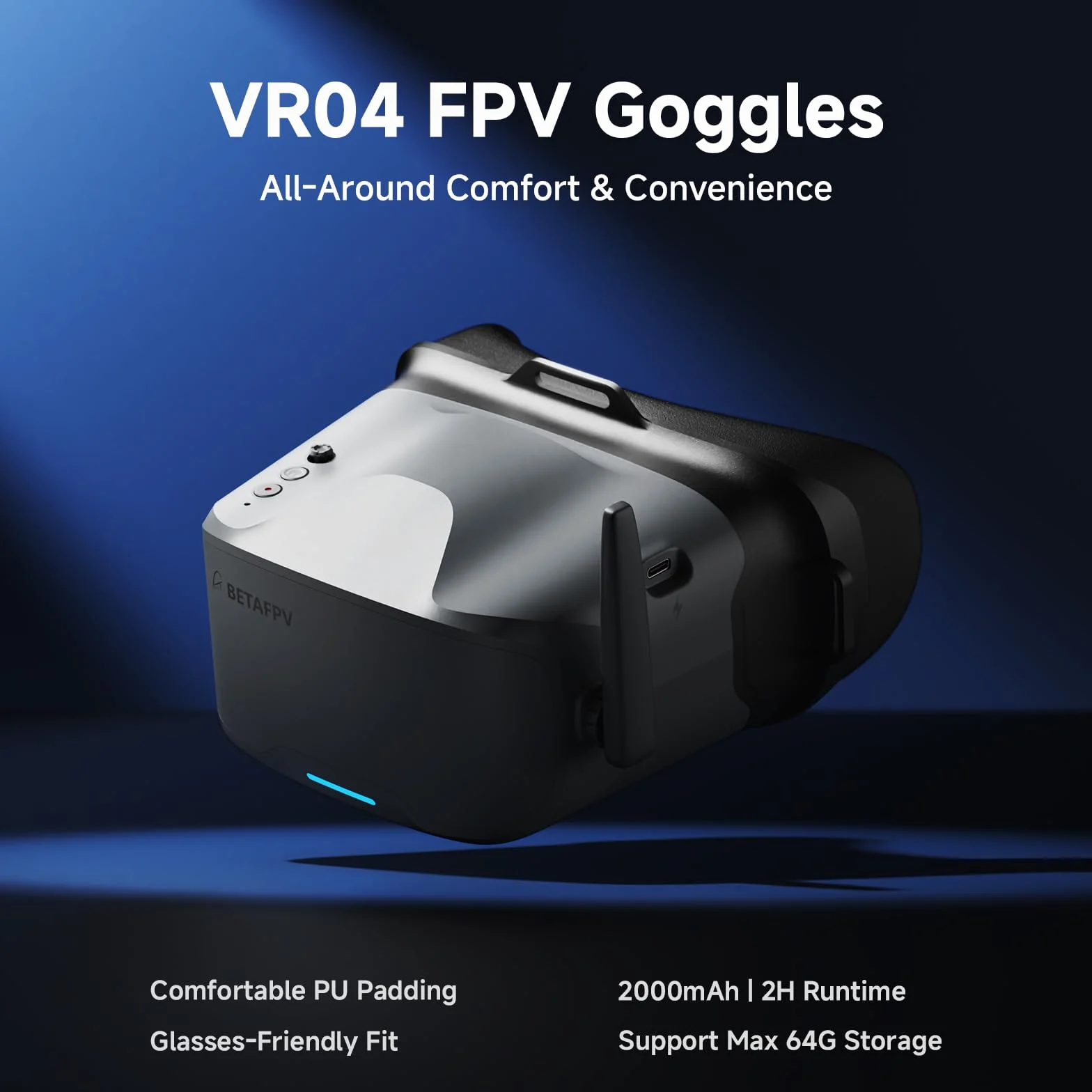
BETAFPV VR04 FPV-Brille mit DVR-Funktion, 5.8G 48Kanäle, 4.3Zoll Bildschirm, 480P Auflösung, Integrierter 2000mAh Akku, Unterstützt Aufnahm&Wiedergabe for Drohnen wie der Cetus Meteor Air Pavo-Serie
Produktspezifikation
Marke: BETAFPV
Besonderes Merkmal: DVR-Funktion und automatische Frequenzsuche
Konnektivitätstechnologie: Usb
Enthaltene Komponenten: FPV-Brille, Anpassbarer Kopfriemen, Benutzerhandbuch
Kompatible Geräte: Drohne
Spezifische Verwendungsmöglichkeiten für Produkt: Drohnenfahren
Steckverbindertyp: USB Typ C
Artikelgewicht: 808 Gramm
Akkulaufzeit: 2 Stunden
Maximale Bildschirmauflösung: 800x480
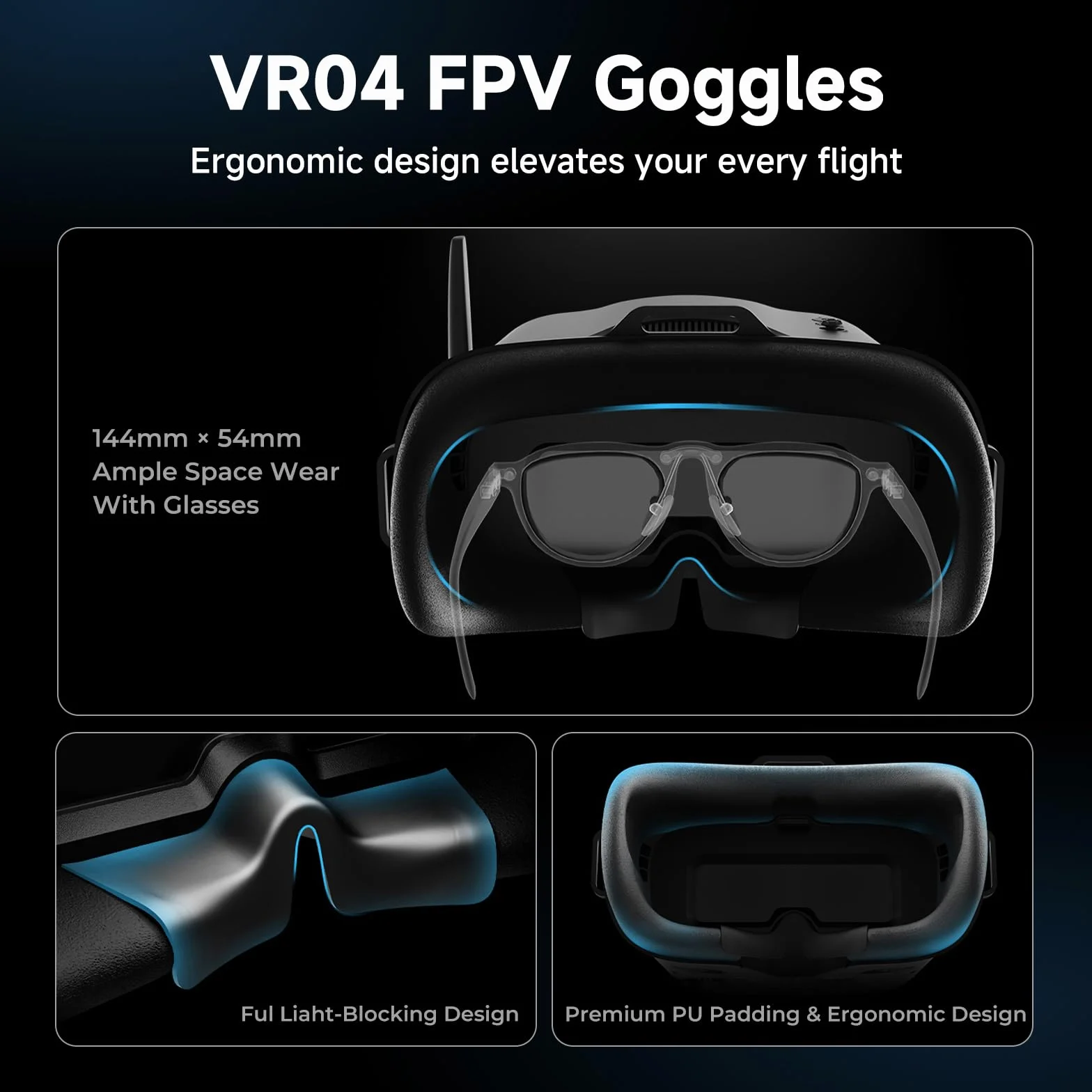
- Immersion & Comfortable: The VR04 FPV Goggles are designed for extended-wear comfort, featuring a glasses-friendly interior that accommodates most eyewear. Premium PU face padding ensures a secure, comfortable fit, while a soft silicone nose bridge seals out external light to deliver a fully immersive flight experience
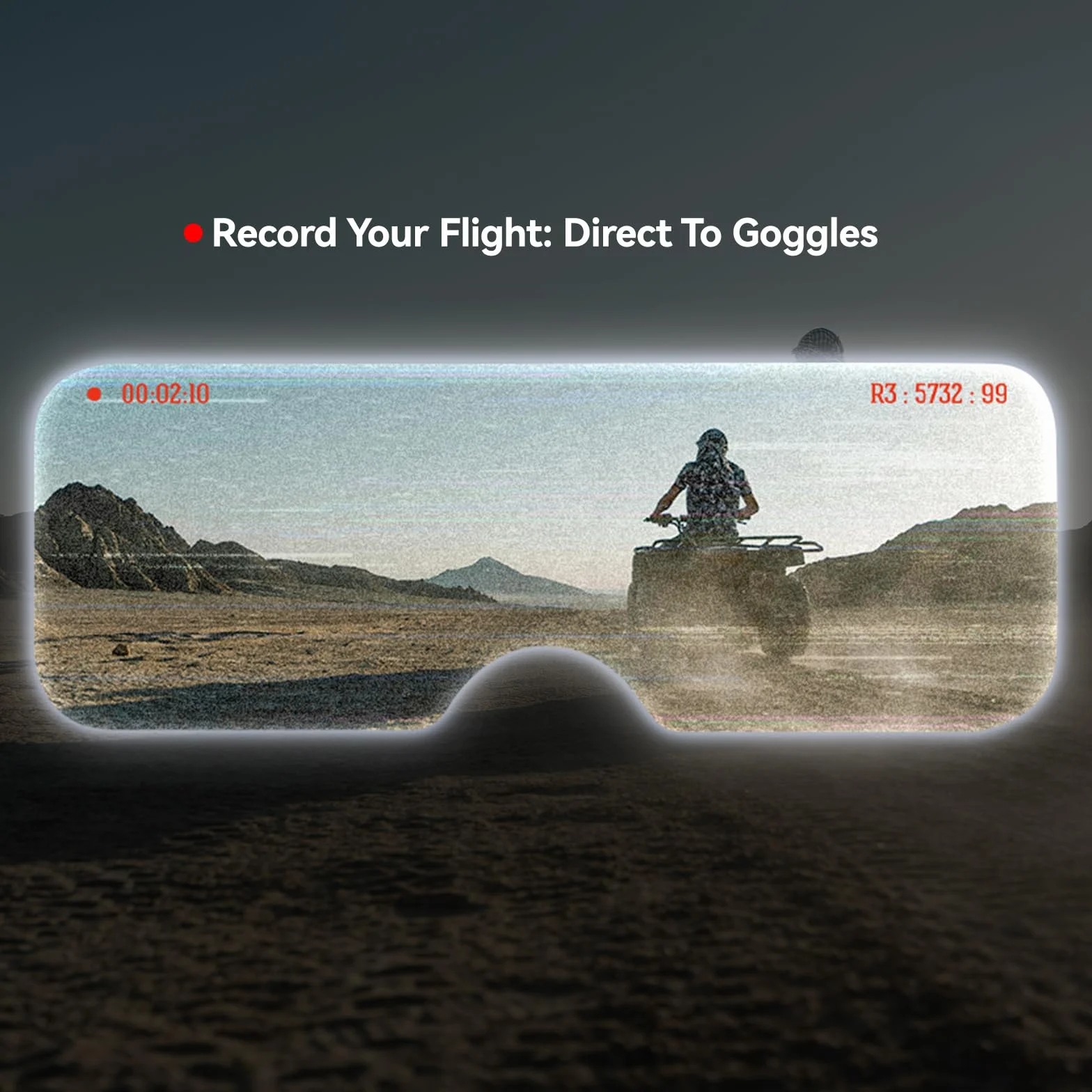
- Record & Replay: Capture each flight effortlessly with one-button recording directly to a microSD card (supports up to 64GB of storage, but the micro SD card is not included). Relive your most thrilling moments anytime, with no extra gear required
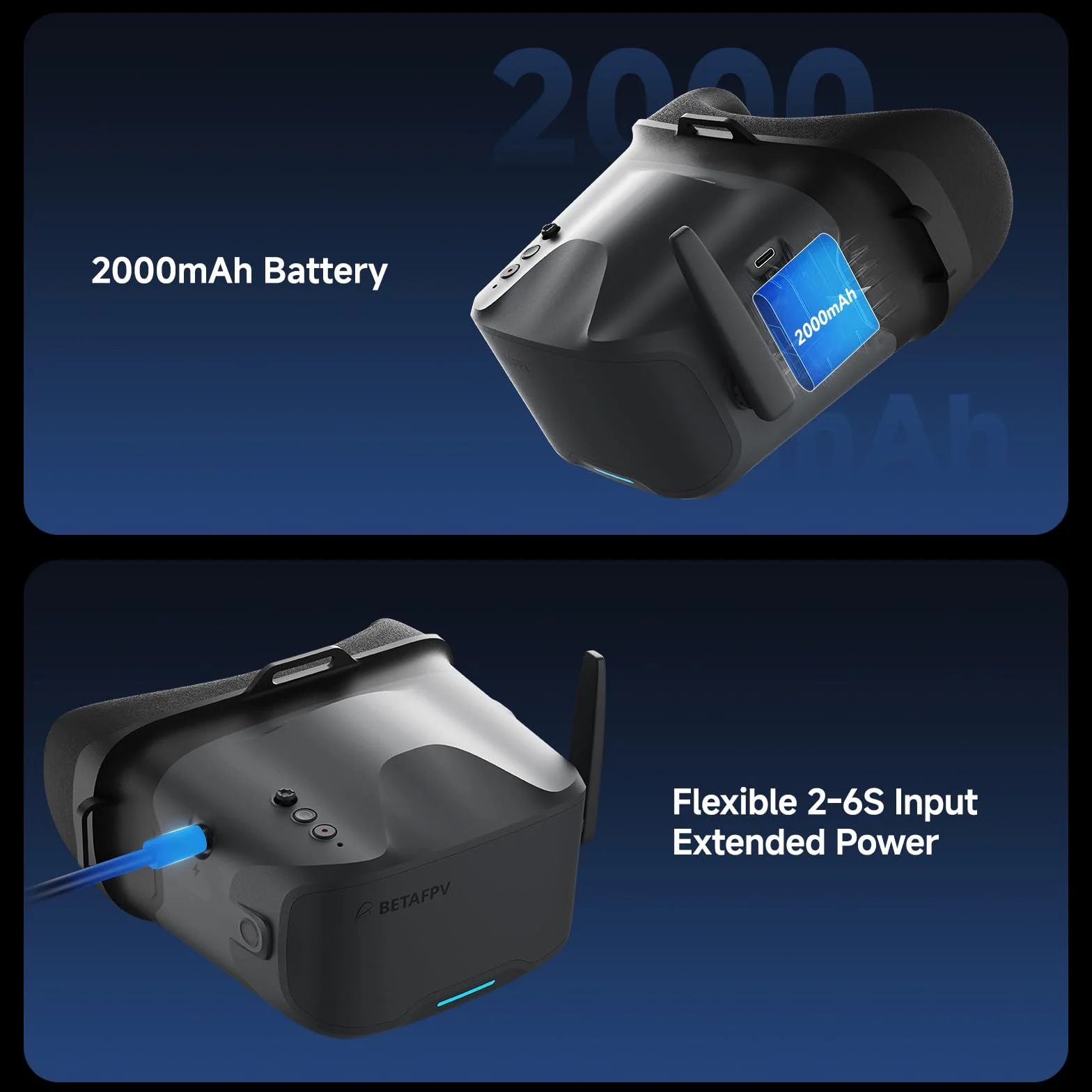
- Power Flexibility: Equipped with a built-in 2000mAh battery, the VR04 supports up to 2 hours of use on a single charge. For added flexibility, it can also be powered directly by any 2‑6S whoop battery—ideal for extended sessions or quick-swap setups
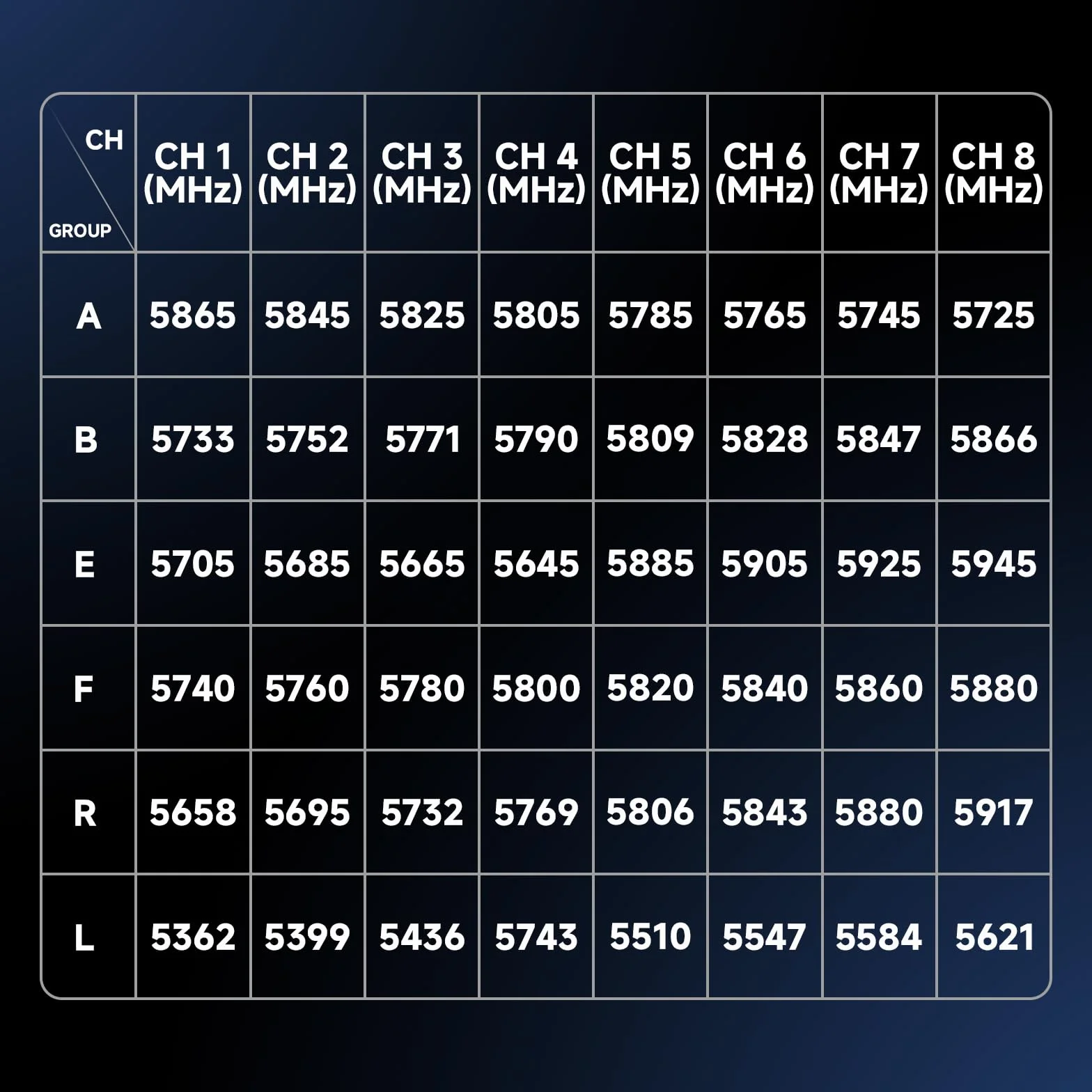
- Frequency Auto Search: The VR04 FPV Goggles support 5.8G and 48 channels. Press and hold the 5D button for 2-3 seconds to activate frequency search. There will be a beep after 3 seconds, and the best available frequency will be selected automatically. Signal quality of each frequency is indicated by red (Frequency is completely in use by a transmitter), yellow (Frequency has moderate interference from another transmitter), and green (Frequency is available)
- Package&BETAFPV Support: You will get 1 * VR04 FPV Goggles, 1 * Adjustable Headband, 1 * User Manual; Any technical support is needed, please refer to the manual or email us via Amazon